SMP3 Setup Mode: Configure Once, Measure Anywhere
A team that surveys 40 points around the same base station, with the same procedure at every point, has a simple problem: the measurement is only as consistent as the settings behind it. SMP3 Setup Mode addresses that directly. Procedures are defined once in SMP Reader, loaded onto the SMP3, and reused whenever they are needed, so the team can start measuring in the field without configuring the instrument first. The same logic applies to occupational exposure assessments, laboratory testing and routine compliance work.
Setup Mode allows measurement configurations to be prepared in advance, shared across devices and reused whenever needed. Instead of configuring the instrument before every survey, users define approved procedures in SMP Reader, load them onto the SMP3 and start measuring directly in the field. Teams gain a faster workflow and more consistent results, and they stop spending time on setup they have already done.
What is SMP3 Setup Mode?
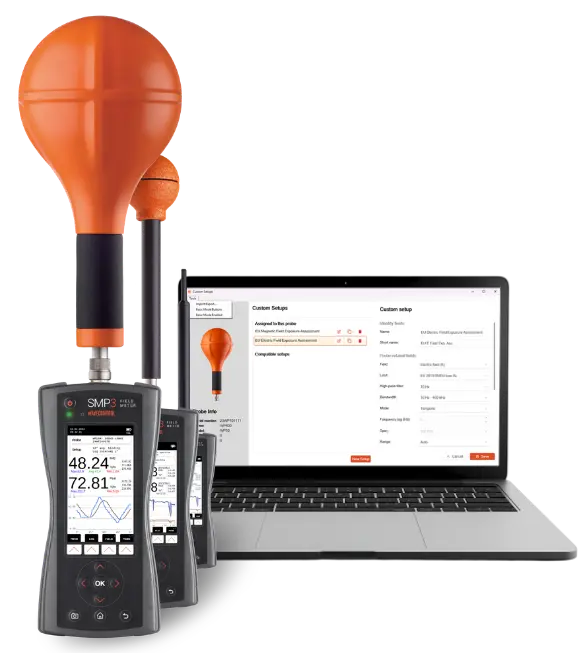
Setup Mode changes the way measurement configurations are managed on the SMP3. Using Custom Setups, users can create predefined measurement procedures in SMP Reader and transfer them to the instrument. Each setup is assigned a short and long name for identification on the SMP3 device. These setups store two types of parameters: probe-related settings, such as applicable standards, field type, range, etc.; and measurement-related settings, such as averaging times, measurement duration, measurement units, etc.
Once the setups are loaded, users select the appropriate configuration from the Setup list on the SMP3 and begin measuring. Approved procedures are applied the same way whoever performs the measurement and wherever the survey takes place.
How it works in three steps
The workflow is simple:
- Configure in the office: Create one or more Custom Setups in SMP Reader for different applications, projects, clients or measurement procedures.
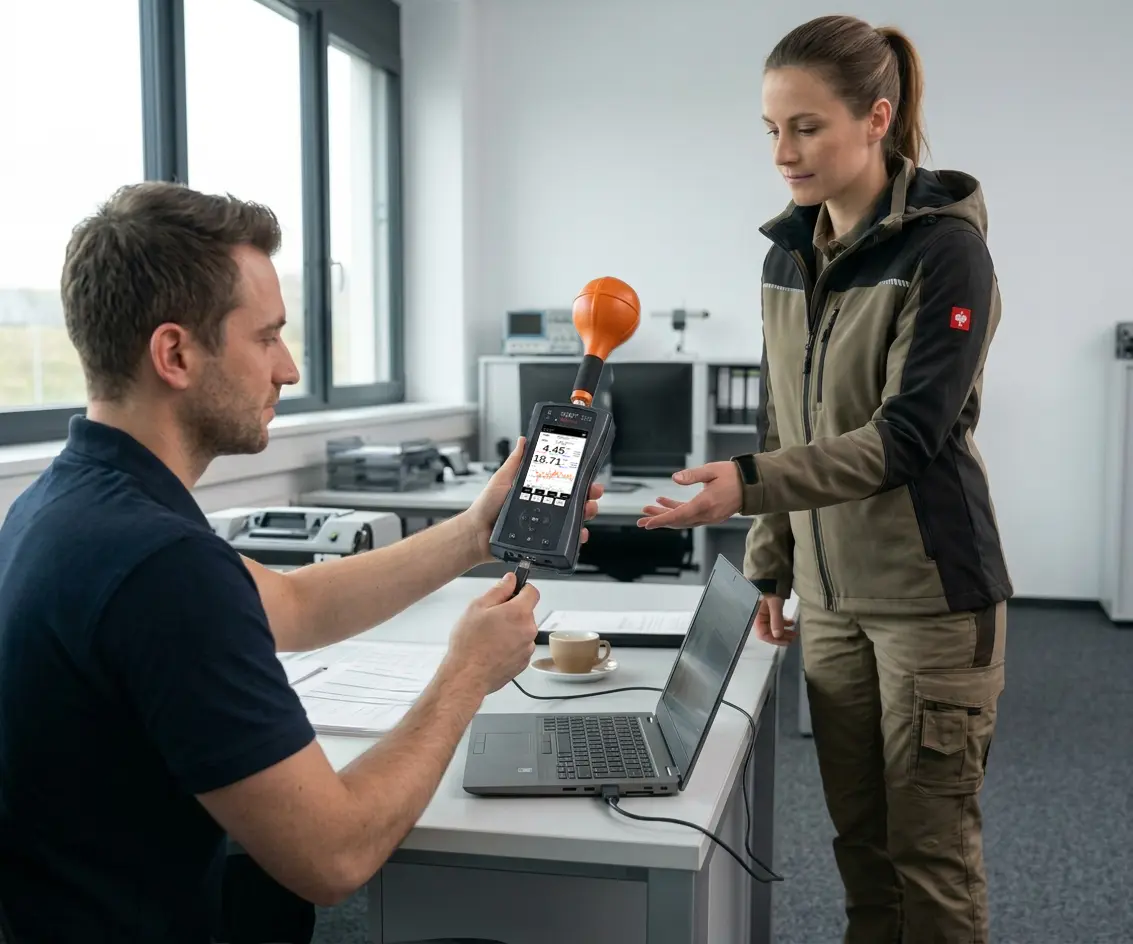
- Load and share setups: From your computer, load the setups onto as many SMP3 devices as needed. You can also share the configuration file with teams in other locations, so they can import it into their own SMP3 devices.
- Measure on site: The user selects the required setup and starts measuring. Customizable tags can be added to identify measurements and simplify subsequent analysis and reporting.
Why use Setup Mode?
- Consistent measurements across teams
Measurement procedures often depend on numerous parameters, and entering them by hand before each survey can lead to inconsistencies between users, projects or locations. By storing approved configurations directly on the instrument, Setup Mode helps ensure that measurements follow the same methodology every time.
This consistency matters most when results are compared over time, across multiple sites or between teams. Whether measurements are carried out by experienced engineers or occasional users, the procedure stays the same.
- Reduced configuration time
Re-entering measurement parameters before every survey adds unnecessary work and increases the risk of mistakes. Setup Mode moves the configuration work to the people who define the methodology, so field operators can focus on the measurement itself. Once a setup exists, it can be reused across projects, routine inspections and measurement campaigns without additional configuration.
- One setup, multiple devices
Setup Mode benefits both individual users and organizations that operate several instruments. A single SMP3 used for recurring surveys can apply the same configuration throughout a project, while larger organizations can distribute identical setups across their entire fleet. When a procedure is updated, the revised configuration can be distributed again, so every instrument follows the latest approved methodology without users adjusting settings by hand.
- Improved traceability and reporting
Each measurement can be associated with the setup used and tagged with relevant information such as the project, location or application. This makes exported Excel reports easier to organize, review and audit. Summary sheets give an overview of a measurement campaign, while detailed sheets preserve the complete dataset and the configuration used during the survey, so both the results and the method behind them stay traceable.
*AI generated
At a glance
| Setup Mode and Custom Setups | |
|---|---|
| Available on | SMP3 with firmware 3.2.2 |
| Configured with | SMP Reader 2.12 |
| Personalized tags | Up to two per setup, each with its own range of values |
| Matching setups | Setups are matched to the probe type, so each probe type needs its own configuration |
| Reporting | Excel export with a summary sheet and a detailed sheet for each measurement |
Article-related FAQ
Frequently asked questions
Does the user need to be a technical specialist?
No. The setup is created by the person responsible for defining the measurement procedure. Users in the field select the appropriate setup and start the measurement.
Which SMP3 models support Setup Mode?
Setup Mode is available on SMP3 instruments running firmware version 3.2.2 together with SMP Reader 2.12.
Can the same setup be used on multiple devices?
Yes. Custom Setups can be shared across multiple SMP3 units, which makes it easy to standardize measurement procedures throughout an organization.
Are setups linked to a specific probe?
Yes. Setups are associated with a specific probe type. If several probe types are used, a separate configuration should be created for each one.
Does the report show which setup was used?
Yes. Exported reports identify the setup and tags associated with each measurement, together with the configuration that was applied.

Project supported by ACCIÓ’s International Promotion Programme

Follow